Guide 9 of 9 · 4 min read
Prepare for interviews and get live help
Practise with questions for the role, then get a live transcript and short answer hints during the real call.
- 01
Practise
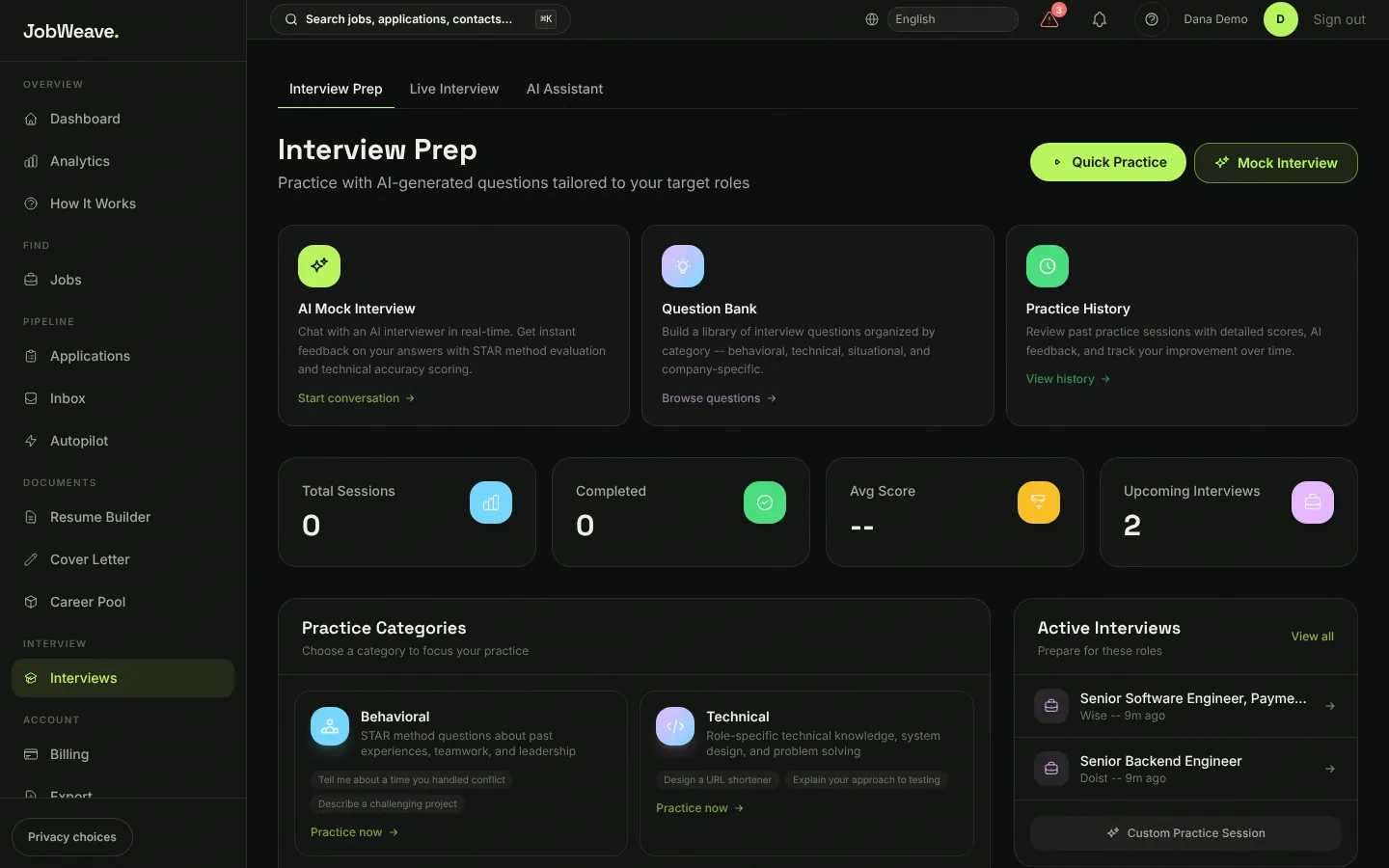
Interviews, then Interview Prep, has an AI mock interview with feedback on each answer, a question bank by category, and your practice history. Active Interviews lists the roles you are interviewing for so you can prepare for each one.
- 02
Use the live copilot
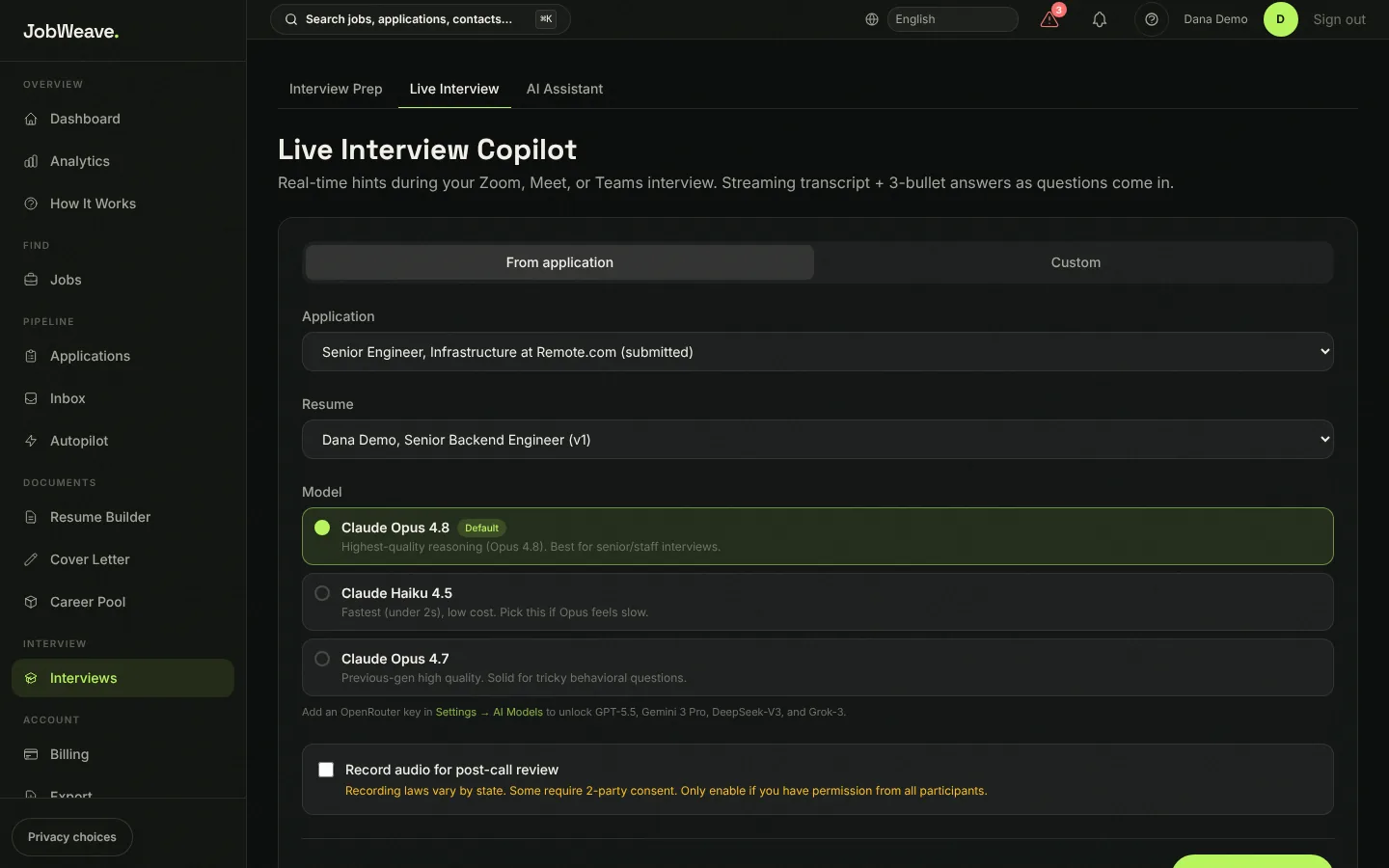
Live Interview starts a session for one of your applications or a custom role. During your Zoom, Meet or Teams call it shows a live transcript and short answer hints as questions come in, drawn from your resume. In Chrome and Edge it can hear the meeting tab and your microphone; in Safari and Firefox, the microphone only.
Free includes one live session with 10 minutes of transcription a month. Pro includes 10 sessions and 300 minutes. Recording is off unless you turn it on, and recording laws differ by place.